Analysis
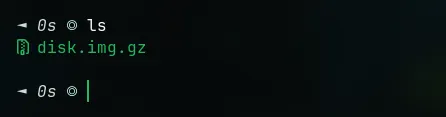
First, we’ll use the disk.img.gz file as the file we’ll be examining. Be sure to set up a separate folder specifically for running the file we’ll be analyzing so it doesn’t get mixed up with other files or directories.
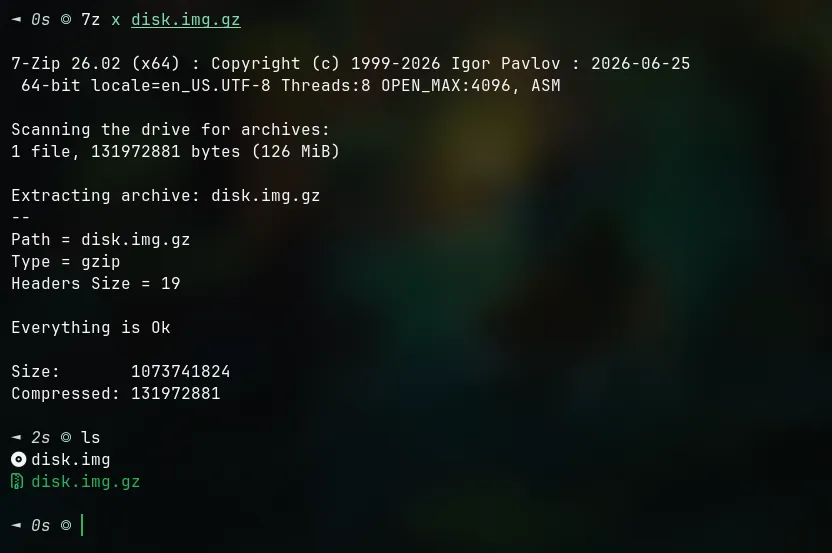
Extract the disk.img.gz file using the following command: 7z x filename. This command is optional and can be replaced with another extraction method.
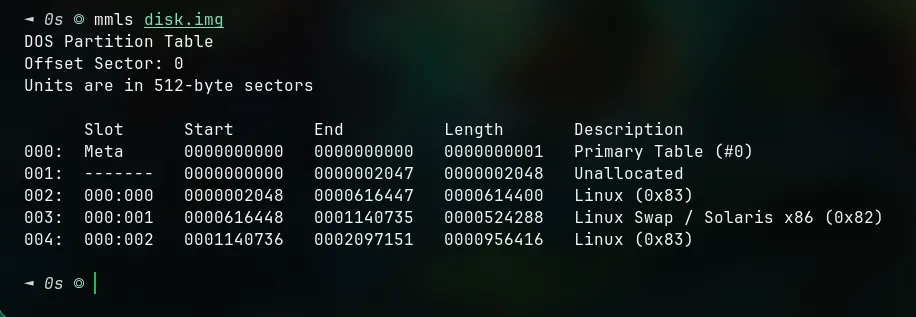
Check the partitions in the .img file using mmls filename
We will focus on the Linux partition in that file
Ignore the Linux swap and Solaris partitions… because these partitions will not be used
Let’s scan all directories on Linux with an offset of 2048 using fls -o ffset filename
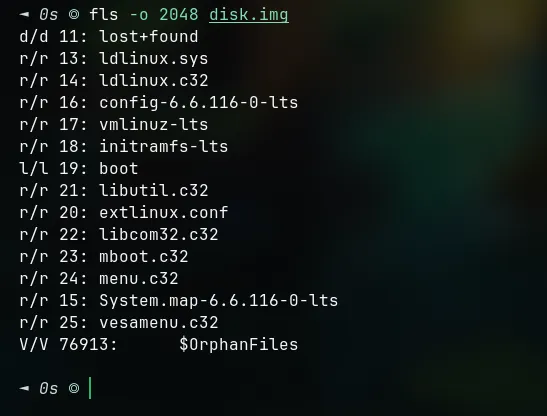
Also check the second partition at offset 1140736.
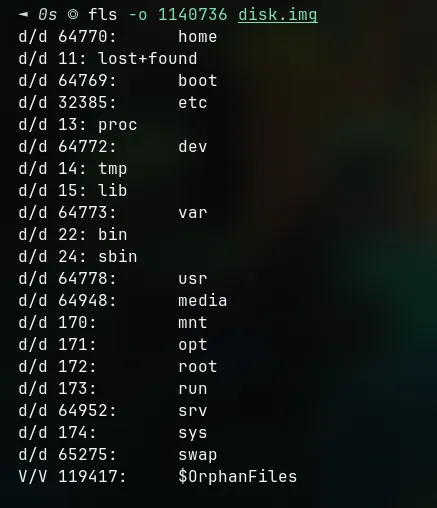
As you can see, the contents of the directories on the two partitions differ. Normally, the contents of a partition are similar to those of the partition at offset 1140736; we will focus on this partition.
Getting Flag
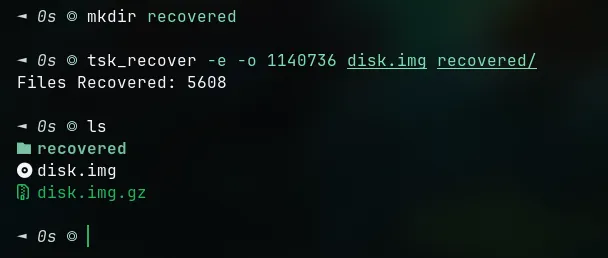
Create a dedicated directory, since we will extract the contents of that partition for immediate analysis.
Command to create a new directory: mkdir directory_name
Command to extract the contents of a partition: tsk_recover -r -o partition_offset filename destination_directory
Enter that directory using cd directory_name
Use find directory_name -name pattern_name
Why am I searching for Git? Because this challenge is titled “Git Forensics,” so I want to check the Git section.
Now that we’ve found the destination, let’s navigate to the destination directory. Use ls -la to display all the files and folders in the directory we’re checking.
Here, I want to check the “logs” folder because that’s where the repository history is stored.
◄ 0s ◎ cd logs/ □ secrets/.git △ 20:31
◄ 0s ◎ ls -la □ .git/logs 20:32
drwxr-xr-x - ajirbit 15 Jul 20:19 refs
.rw-r--r-- 215 ajirbit 15 Jul 20:19 HEAD
◄ 0s ◎ cat HEAD □ .git/logs 20:32
0000000000000000000000000000000000000000 327681bb38cf467cec328eec9707b240e3e74ced ctf-player <ctf-player@example.com> 1763542167 +0000 commit (initial): Wrap this phrase in the flag format: g17_1n_7h3_d15k_041217d8After entering the folder, I checked the HEAD file using cat filename before moving on to other folders in the logs. As you can see, the HEAD file contains suspicious text that resembles the format of a typical CTF challenge flag.
That concludes my write-up. 🤓